The Self-Regulating Home
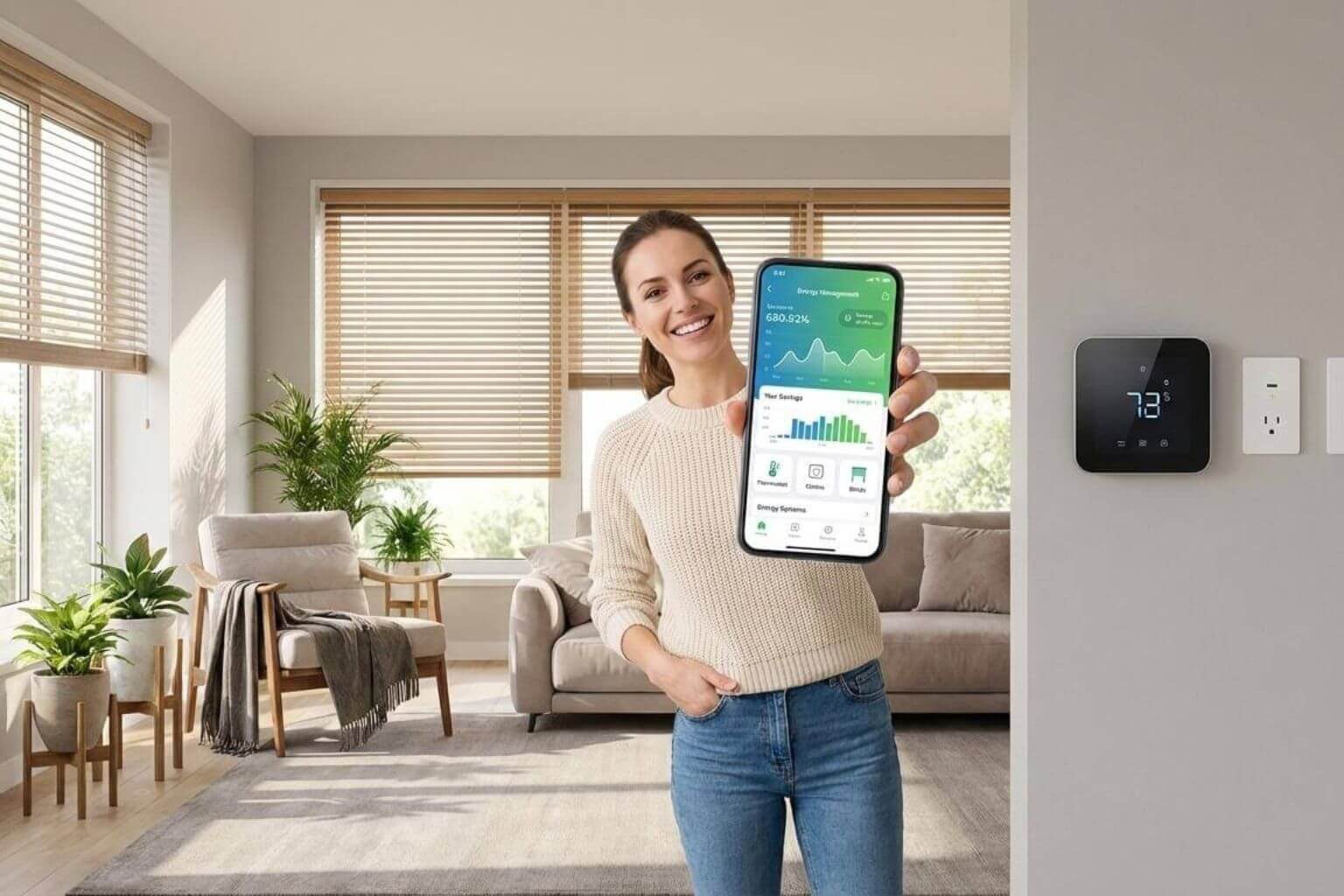
The Self-Regulating Home – Smart Tech That Slashes Energy Bills
Automating your heating, cooling, and water usage for a greener wallet.
The Problem: Why Your Energy Bills Keep Rising
Your energy bill arrives each month, and the number keeps getting bigger. You’re not alone. According to ENERGY STAR (a program from the U.S. Environmental Protection Agency), the average American household spends more than $900 per year just on heating and cooling. That’s almost half of your entire energy bill going to keep your home comfortable!
But here’s the good news: smart home technology isn’t just about having a “cool” house anymore. It’s about saving real money and helping the planet at the same time. Think of smart home devices as little helpers that work 24/7 to make sure you’re not wasting energy when you don’t need to use it.
1. The Energy Audit: How to Measure Your Current Waste
Before you start fixing problems, you need to know where you’re wasting energy. Think of it like checking your piggy bank before you start saving money you need to know what you have first.
How to spot energy waste:
- Walk through your home and count how many devices are plugged in but turned off. These are called “energy vampires” (we’ll talk more about these later!)
- Check your monthly energy bills to see which months cost you the most money
- Look at your windows at night if you can feel cold air coming through, you’re losing heat
According to research from the U.S. According to the Department of Energy, about 5-10 percent of household electricity is wasted through vampire power, which equals about one month’s worth of power every year.
2. Smart Thermostats: Your Money-Saving Temperature Boss
Imagine having a really smart assistant who learns when you’re home, when you’re sleeping, and when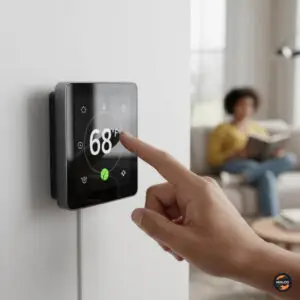 you’re away. That’s what a smart thermostat does! It controls your heating and air conditioning automatically to save energy without you having to think about it.
How much can you really save?
According to data from independent studies, smart thermostats can save customers between 10-12 percent on heating and 15 percent on cooling on average. ENERGY STAR reports that savings are approximately 8% of heating and cooling bills or $50 per year on average, though some users save even more.
For example, Nest (a popular smart thermostat brand) found that on average, the Nest Learning Thermostat saved 12% on heating bills and 15% on cooling bills. Another brand called ecobee claims their customers can save up to 23% on heating and cooling costs, which could mean up to $284 per year in savings.
How smart thermostats work:
- They learn your schedule over time (like when you wake up, go to work, come home, and go to sleep)
- They can tell when you’ve left the house and automatically turn down the heat or air conditioning
- You can control them from your phone, so if you forgot to adjust the temperature before leaving for vacation, you can fix it from anywhere
- Some have special sensors that detect which rooms you’re actually using
3. Vampire Power: The Secret Energy Drainer
Did you know that many of your devices keep using electricity even when they’re turned off? It’s true! When your TV is “off,” your phone charger is plugged in but not charging anything, or your game console is in “standby mode,” they’re still sipping electricity. We call this “vampire power” because it’s secretly draining energy.
How much does vampire power really cost?
The numbers are surprising. According to a report from the Natural Resources Defense Council, Americans spend approximately $165-$440 annually on vampire energy. Another source confirms that according to ENERGY STAR, the average household spends $100 every year on vampire power.
The worst energy vampires in your home:
- TVs, cable boxes, and streaming devices
- Desktop computers and printers
- Video game consoles
- Phone chargers left plugged in
- Coffee makers with digital clocks
- Microwaves with displays
The solution: Smart plugs and power strips
Smart plugs are small devices that go between your wall outlet and whatever you’re plugging in. They’re like gatekeepers that can completely cut off power when you don’t need it. According to research, standby power consumption in an average home ranges from 5 percent to 10 percent of household energy consumption.
Here’s how smart plugs help:
- You can set schedules (like turning off your TV setup at midnight automatically)
- You can control them from your phone (forgot to turn off the coffee maker? Do it from work!)
- They show you exactly how much energy each device uses
- Some can even turn off devices automatically when they go into standby mode
4. Automated Blinds: Using Sunlight as Your Helper
Your windows are like giant holes in your house when it comes to energy. During summer, the sun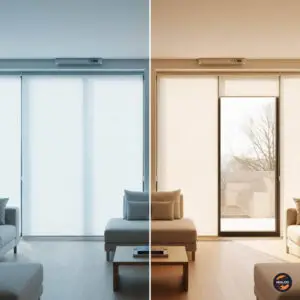 shines through and heats up your home, making your air conditioner work harder. During winter, heat escapes through windows, making your heater work overtime.
Automated blinds (also called smart blinds) are window coverings that open and close automatically based on the time of day, the temperature, or the amount of sunlight.
How much energy can smart blinds save?
According to the U.S. Department of Energy, tightly installed cellular shades can reduce heat loss through windows by 40% or more in heating seasons, which equals about 10% heating energy savings. In cooling seasons, cellular shades can reduce unwanted solar heat through windows by up to 60%.
Consumer Reports found that smart management of window coverings can reduce heat gain during summer by up to 77 percent. Another study showed homeowners can reduce heat loss by as much as 17% just by closing window treatments at night.
According to recent analysis, smart blinds can reduce HVAC energy consumption by 10-25% depending on climate zone and window orientation, translating to $200-600 annual savings for typical U.S. homes.
How to use smart blinds effectively:
- Close them during the hottest part of summer days (usually 1 PM to 5 PM) to block heat
- Open them on winter mornings when the sun is out to let natural warmth in
- Close them at night during winter to trap heat inside
- Set them to open automatically in the morning so you wake up to natural light
5. Water Monitoring: Catching Leaks Before They Become Disasters
Water leaks are sneaky. A tiny drip might not seem like a big deal, but it can waste gallons of water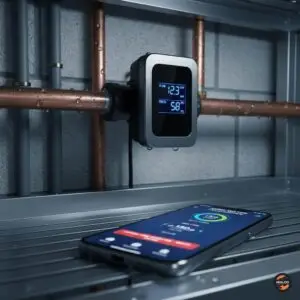 and cost you money every single day. Even worse, a big leak or burst pipe can cause thousands of dollars in damage to your home.
Smart water leak detectors are devices that watch your water system 24/7 and alert you immediately if something goes wrong.
The facts about water leaks:
According to Moen (a company that makes these systems), within the first 30 days of installing the Flo Shutoff system, 60% of homeowners are notified of a leak they didn’t even know they had. Even more impressive, the Flo Shutoff decreases water damage claim events by 96%.
To understand the cost, on average, U.S. households spend about $39.16 per month or $469.92 per year on water bills. Even a small leak can add a lot to this cost.
How smart water systems work:
- They install on your main water pipe and monitor everything
- They can detect leaks as small as one drop per minute
- If they detect a problem, they send an alert to your phone immediately
- Some can automatically shut off your water if there’s a big leak (like a burst pipe)
- They learn your normal water usage patterns, so they know when something unusual is happening
- They show you exactly how much water you use every day
Example situations where these save the day:
- You’re on vacation and a pipe bursts the system shuts off the water automatically and alerts you
- Your washing machine hose develops a slow leak you get notified before it floods your laundry room
- Your irrigation system has a tiny crack the system spots the extra water use and tells you to check it
6. Smart Lighting Schedules: Never Pay for Lights You’re Not Using
Smart lights and automated lighting schedules work together to make sure you’re never wasting money lighting up empty rooms.
How smart lighting saves energy:
- Geofencing (using your phone’s location) can turn off all lights when you leave home
- Set schedules so outdoor lights only turn on at sunset and off at sunrise
- Motion sensors turn lights on when you enter a room and off when you leave
- You can dim lights instead of having them at full brightness all the time
The Department of Energy notes that more than 50% of the average American household’s energy goes to space heating and cooling, but lighting is another significant expense that smart automation can help reduce.
7. ROI Calculation: When Do These Devices Pay for Themselves?
Let’s do some simple math to see when you’ll get your money back: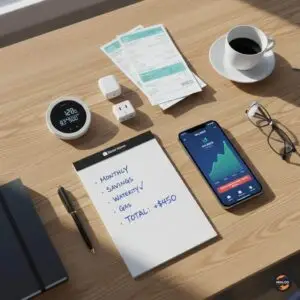
Smart Thermostat:
- Cost: $100-$250
- Average savings: $50-$284 per year
- Pays for itself in: 6 months to 2 years
Smart Plugs for Vampire Power:
- Cost: $10-$25 per plug
- Average savings from eliminating vampire power: $100-$200 per year total
- Pays for itself in: Less than 1 year
Automated Blinds:
- Cost: $140-$300 per window
- Average savings: $200-$600 per year (whole house)
- Pays for itself in: 1-3 years
Smart Water Leak Detector:
- Cost: $300-$600
- Savings: Prevents one major leak that could cost thousands in damage
- Also saves money by detecting small leaks early
- Pays for itself: After preventing just one incident
8. Privacy Concerns: Keeping Your Smart Home Secure
Smart home devices connect to the internet, which means you need to keep them safe from hackers.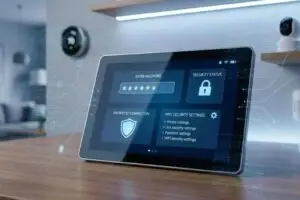
How to protect your smart home:
- Always change default passwords on your devices to something strong and unique
- Keep your devices updated with the latest software (they’ll usually remind you)
- Use a strong password for your home Wi-Fi network
- Only buy devices from well-known, trusted companies
- Read the privacy policy to understand what data the device collects
Final Thoughts: Start Small, Save Big
You don’t need to make your entire home “smart” all at once. Here’s a simple plan to start: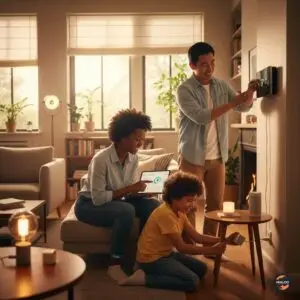
Phase 1 (First month): Install a smart thermostat that gives you the biggest savings fastest.
Phase 2 (Months 2-3): Add smart plugs to your biggest energy vampires (TV setup, computer, kitchen appliances).
Phase 3 (Months 4-6): Consider automated blinds for rooms that get a lot of sun or lose a lot of heat.
Phase 4 (As budget allows): Add water leak detectors, especially if you have an older home or have had leaks before.
Remember: Every small step saves you money and helps the environment. Even starting with just one smart thermostat can put $50-$280 back in your pocket every year. That’s money you could use for things you actually enjoy!
The future of home energy isn’t about using less and being uncomfortable, it’s about being smarter with what you use so you can be comfortable AND save money at the same time.
All statistics and data in this post come from verified sources including ENERGY STAR (U.S. Environmental Protection Agency), the U.S. Department of Energy, independent product studies, Consumer Reports, and manufacturer-verified field data from 2020-2025.
Watch the video: The Self-Regulating Home